


 DOI : 10.17577/
Independent musicians already have a sensible first step. Free and freemium tools can turn a track into a lyric video, a waveform visualiser, or a short stylised teaser. That work is real. It is also a different job from a directed clip: a face that still matches the cover art, a chorus that lasts long enough to feel like a scene, and sound that belongs to the picture rather than sitting under a mute loop.
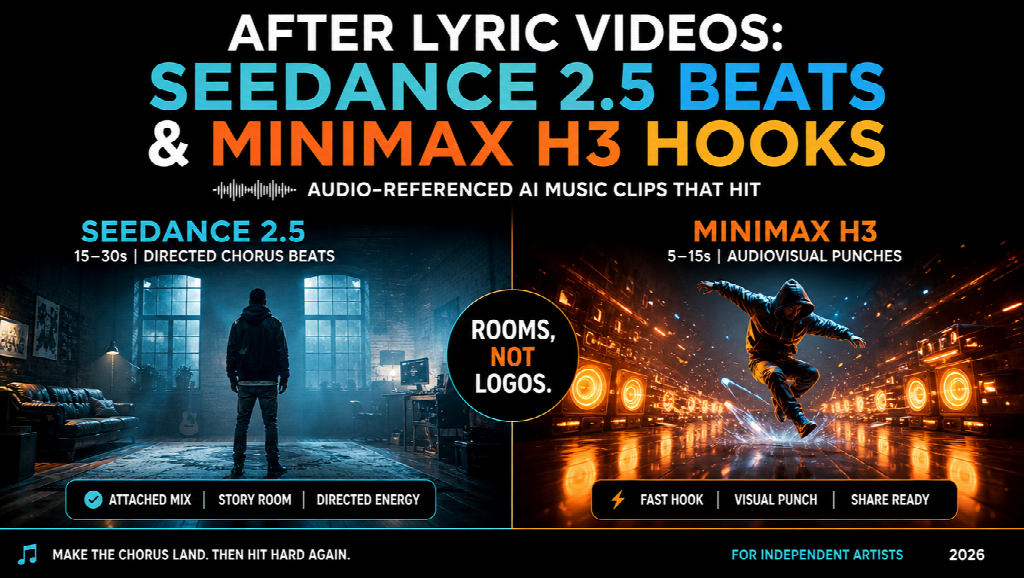
The mix-up is treating every “AI music video” product as the same box. A lyrics overlay does not need a 20-second identity lock. A pre-release hook does not need a full verse. Below are two generation jobs, each explained in similar depth so you can compare them the way you would compare two studio rooms — not two logos on a “best free tools” poster.
Neither lane is a six-minute one-button MV, and neither should be sold as an unlimited free render farm. They are models you run when the visualiser is no longer enough. Dedicated full-song music-to-video platforms still win the automatic 4–6 minute pass. These two jobs cover the clips you actually cut into a release week.
1. Seedance 2.5 — directed verse and chorus beats
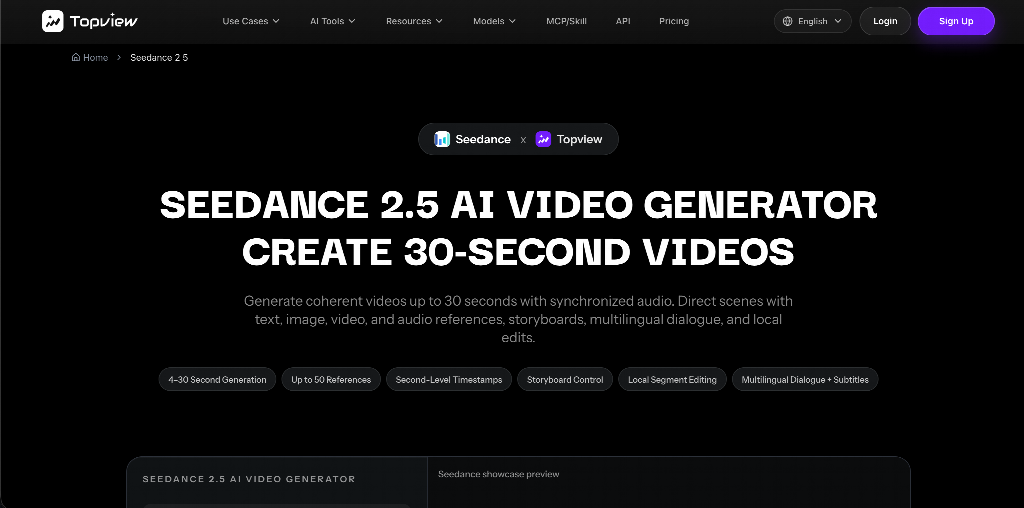
Seedance 2.5 is a multimodal AI video model for coherent clips up to about thirty seconds from text plus image, video, and audio references, with timing and storyboard-friendly direction. For musicians, the useful move is to attach the mix as audio reference, attach stills of the same lead and the same location, then write the chorus like coverage instead of a mood board.
A working brief looks like this:
“0–6s wide on the same alley from the still, wet asphalt, night neon; 6–16s three-quarter performance, same leather jacket, mouth on the hook; 16–24s rack focus to the venue sign; 24–30s hold for the title — no second outfit, no daylight.”
What this lane is for:
- A 15–30 second chorus or bridge that has to feel like one shot-world
- Performance-style moments where the person on the cover must still be the person on screen
- A YouTube chapter you will later cut against the master, not a waveform that never leaves the timeline
What this lane is not for:
- Pasting timed lyrics onto a 4-minute visualiser (use a lyric tool or a browser editor)
- Twelve 8-second experiments while you hunt for a vibe (use a fast clip generator)
- A claim of “90% lip sync” you have not reviewed. Watch the mouth on the hook. If it fails, add a tighter face still and reroll that interval.
How to start, in the same spirit as a free-tier test: pick one section of one song. Export a 16:9 beat for YouTube and a 9:16 variant from the same references. If the jacket changes, the kit is wrong. If only the lighting is ugly, you can grade later. Identity first.
Seedance 2.5 sits in a hosted generator with credit-based runs. Treat it like studio time, not like an unlimited lyric template.
2. MiniMax H3 — short hooks with picture and sound together
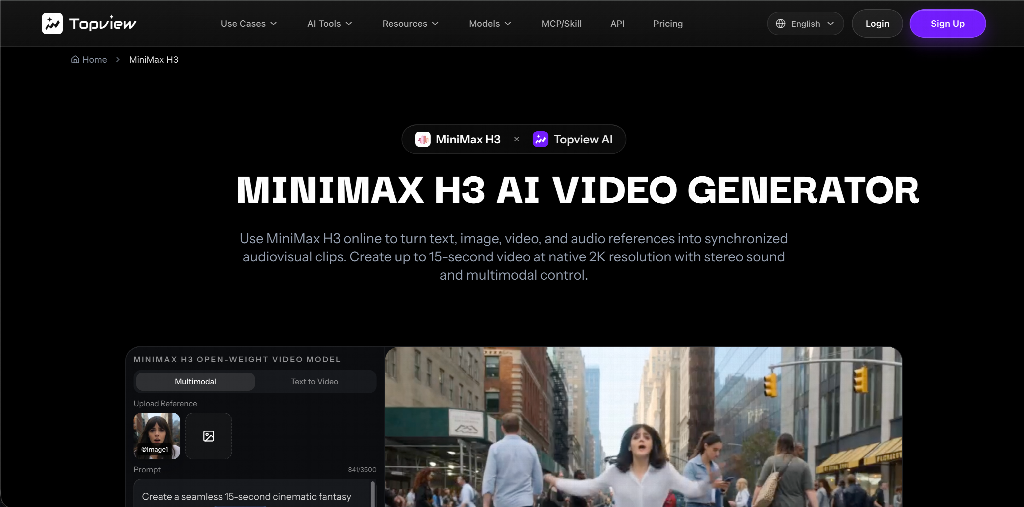
MiniMax H3 is a multimodal video model for short audiovisual clips: text plus image, video, and audio references, native stereo output, roughly 5–15 seconds at up to 2K on hosted generators. Musicians feel this job on release week. Discovery is a first frame and a hit. A silent cinematic walk with a whoosh added two days later is how the zap lands late.
Assign H3 when the deliverable is a punch:
- An 8-second cold open (city, then face, then title)
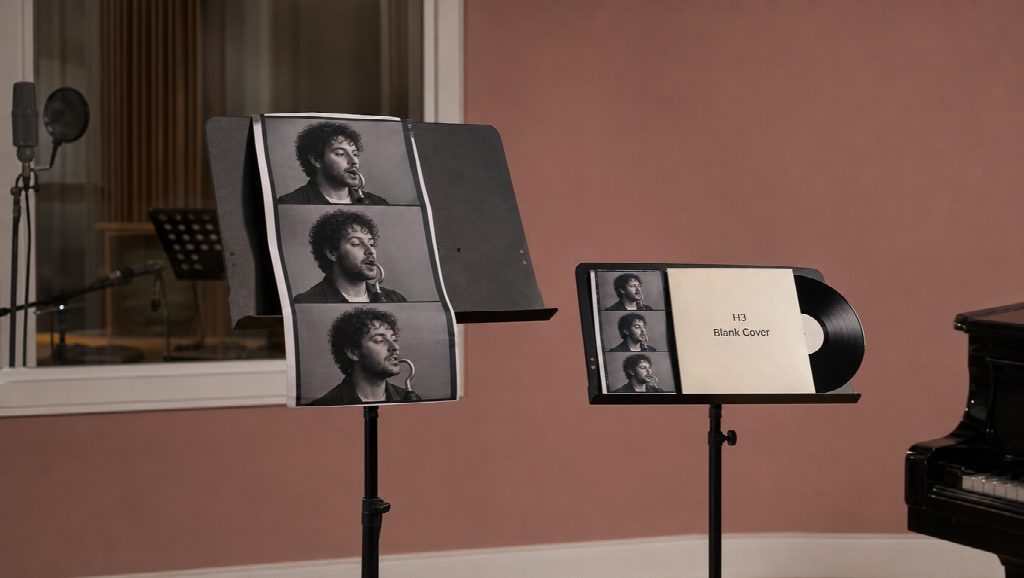
- A 10-second merch or vinyl still that must keep cover art readable
- A 12-second “out now” bumper
- Chorus-flash tests for TikTok, Reels, and Shorts while the longer beat is still rendering
Upload the same lead stills you used for the Seedance chorus so the bumper does not invent a cousin. If you own a legal whoosh or a chopped hook, attach it as audio reference. Write duration like a director: “0–3s logo, 3–8s face, 8–12s hold.”
What this lane is not for: stitching ten H3 clips and calling the result a music video. That is how rooms disagree. Use it as insert, sting, and social. Send the sung chorus that needs a walk and a hold to Seedance 2.5.
Like Seedance 2.5, MiniMax H3 is a model, not a second platform and not a free lyric companion. Compare it to Seedance only on duration and native AV, never as “which homepage is more cinematic.”
How these two sit next to free music-video tiers
Keep the free tools for the jobs they already do well:
- Lyric timing, captions, and brand fonts
- Audio-reactive visualisers for DJ sets and full-track YouTube backgrounds
- Fast 2–8 second style experiments before you spend credits on a hero beat
Then route the expensive seconds:
| Job | Typical length | Lane |
| Full-song lyric / visualiser | track length | Free or freemium lyric / visualiser tools |
| Directed verse, chorus, bridge | ~15–30s | Seedance 2.5 |
| Hook, bumper, merch, first-frame social | ~5–15s | MiniMax H3 |
| Final YouTube cut | song length | A real timeline, to the master |
The artist who only generates 8-second bangers has a TikTok and no film. The artist who only generates 30-second cinema misses the first frame. The artist who only uses a free lyric tool has a video that never had to keep a face.
A short method you can repeat per release
- Lock one lead look and one location still.
- Mark the song: intro, hook, verse, chorus, bridge.
- Generate one chorus on Seedance 2.5 with the mix attached.
- Generate two H3 punches from the same kit.
- Cut both against the master. Do not skip listening to the downbeat.
- If a close-up fails, change one variable — face still, interval, or negative (“no new jewelry”) — not the entire aesthetic adjective.
Stay on the safe side of IP: original-inspired worlds and assets you photographed or designed. Do not prompt a protected mascot so you can monetise the clip.
Closing
Free music-video tiers solved a real problem: independent artists can ship lyrics and visualisers without a crew. The next problem is a directed clip that still looks like the same release on Friday.
Seedance 2.5 is the model for a 15–30 second section with the track in the brief. MiniMax H3 is the model for a 5–15 second punch with sound already in the file. Use them as two rooms. Keep the lyric tool for words. Keep the timeline for the song.