


 DOI : 10.17577/
As cyber threats continue to grow, protecting your organization’s network starts with controlling how users access the internet.
Enterprise DNS filtering tools help IT teams block malicious websites, phishing attacks, and improve network visibility without adding unnecessary complexity.
And if you are also acknowledging the importance of DNS filtering tools and looking for reliable options, in this guide, we’ll look at the best enterprise DNS filtering tools for IT teams in 2026 by reviewing their key features.
|
DNS Filtering Tools |
Best for |
Features |
Pricing |
|
1. Control D |
Teams operating across multiple operating systems that need consistent DNS filtering without gaps in coverage. |
|
|
|
2. Cisco Umbrella |
Delivering cloud-based DNS-layer security and threat prevention. |
|
|
|
3. DNSFilter |
Teams wanting timely protection against new and emerging threats. |
|
|
|
4. Cloudflare Gateway |
Comprehensive DNS filtering solutions as part of a broader Zero Trust security setup. |
|
Starting at $7/user/month |
Top 4 Enterprise DNS Filtering Tools for IT Teams
1. Control D
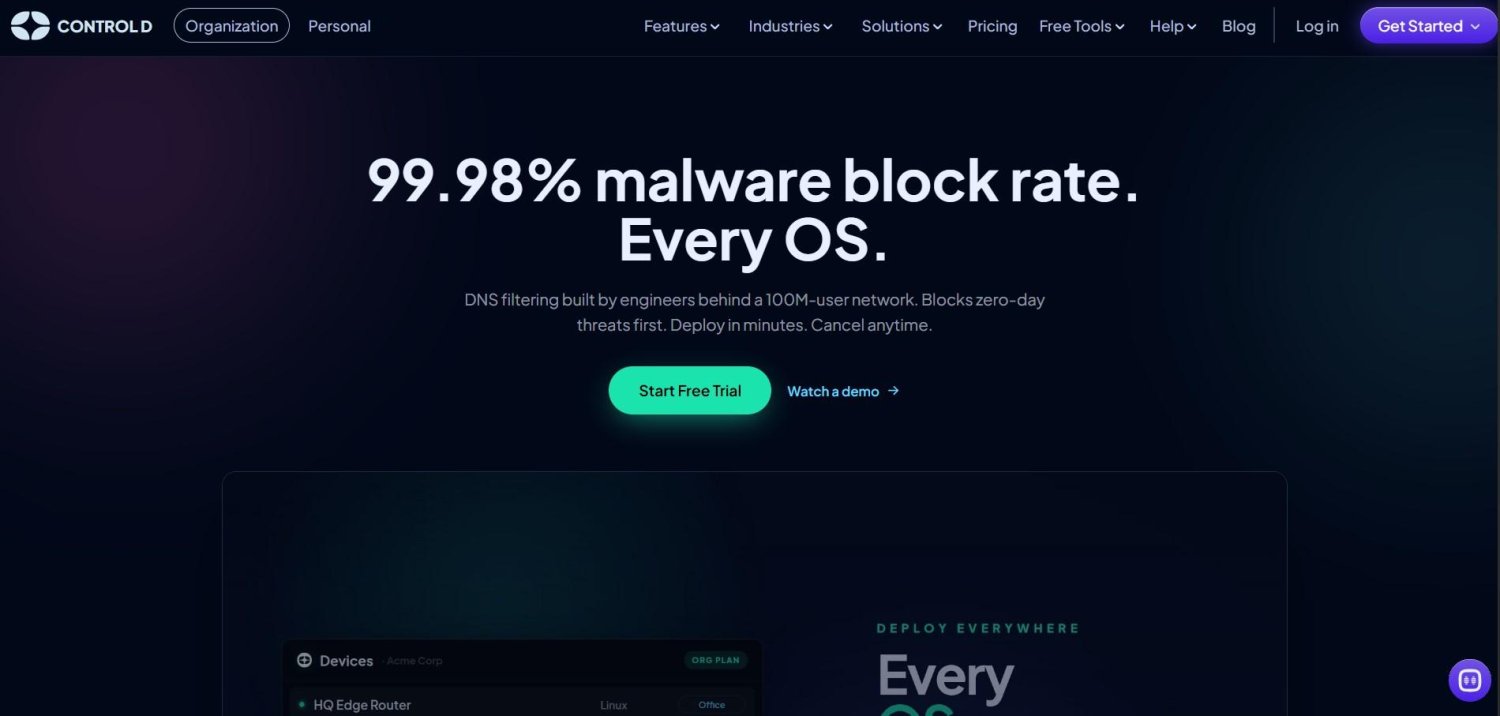
Control D is an enterprise DNS filtering solution, helping IT teams, startups, and enterprises block malware and trackers and filter unwanted content to provide a safe browsing experience.
For IT teams managing a distributed, multi-OS environment (especially with SOC 2 compliance requirements), Control D promises cross-platform consistency: native support across Windows, Mac, and Linux under a single policy, along with 30-day query logging and 1 year of aggregated analytics, aimed at reducing the manual work of assembling audit evidence from disparate tools.
Control D Key Features:
- Malware Blocking (independently tested 99.98%)
- Modern Protocols (DoH, DoT)
- Web and Content Filtering
- Service Filtering
- Custom Filtering
- DNS Filtering
- Multi-Tenancy
- Data Streaming (SIEM)
- Analytics and Reporting
- Administrative Logs
- Traffic Redirection
- Integration Support
Pricing: Control D starts at $2/endpoint/month for SMB teams, with self-serve signup and no minimum spend, plus tailored pricing for Schools and Enterprises. All paid plans include a 14-day free trial with no card required.
Best for: Teams operating across multiple operating systems that need consistent DNS filtering without gaps in coverage.
2. Cisco Umbrella
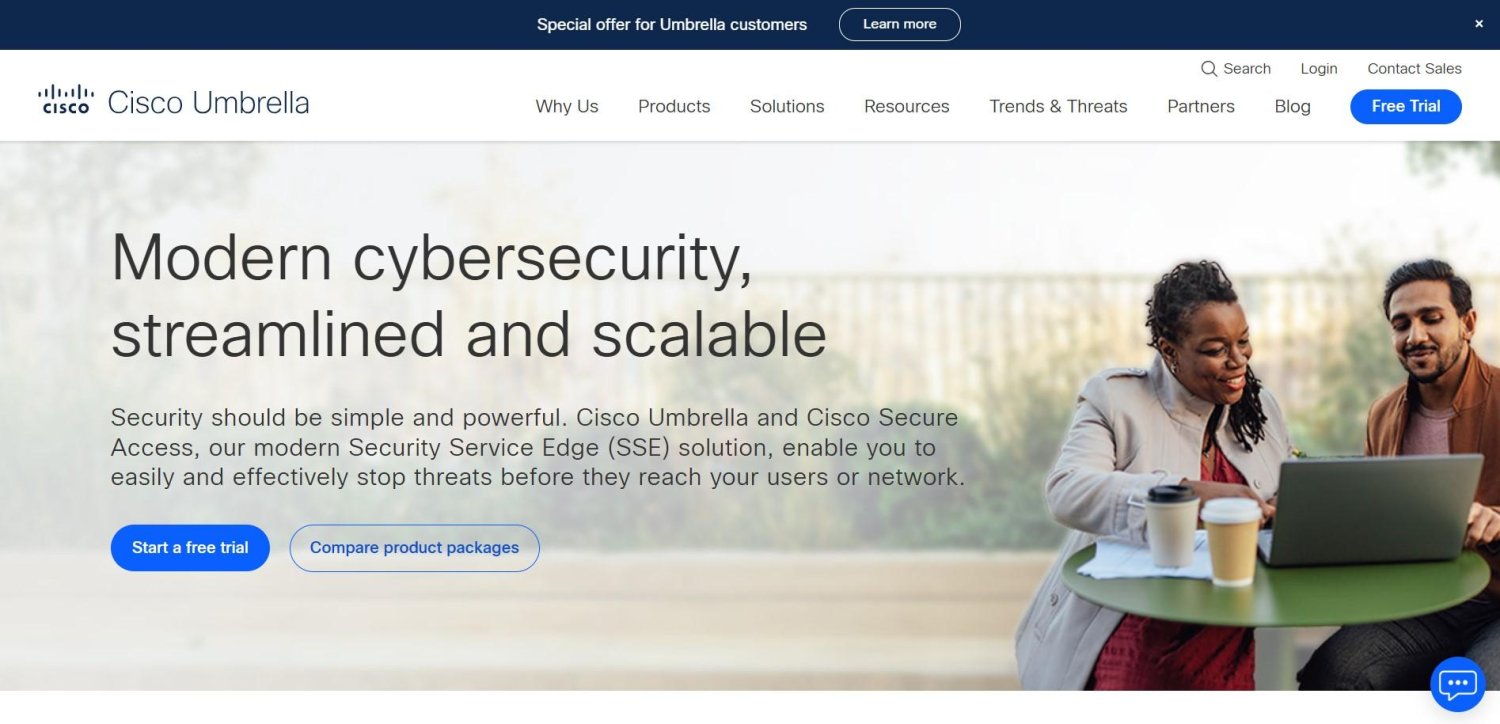
Cisco Umbrella is Cisco’s cloud-delivered DNS security service. It is designed to stop threats at the DNS layer before a connection is ever established. It works by blocking malicious domains, IP addresses, and cloud applications and claims to be used by more than 30,000 organizations.
Cisco Umbrella’s Key Features:
- Malware prevention before connection
- DNS-layer security
- Secure Internet Access
- Cloud Data Loss Prevention
- Threat Intelligence by Cisco Talos
Pricing: Cisco Umbrella also offers a 14-day free trial; however, the paid packages are not listed publicly.
Best for: Delivering cloud-based DNS-layer security and threat prevention.
3. DNSFilter
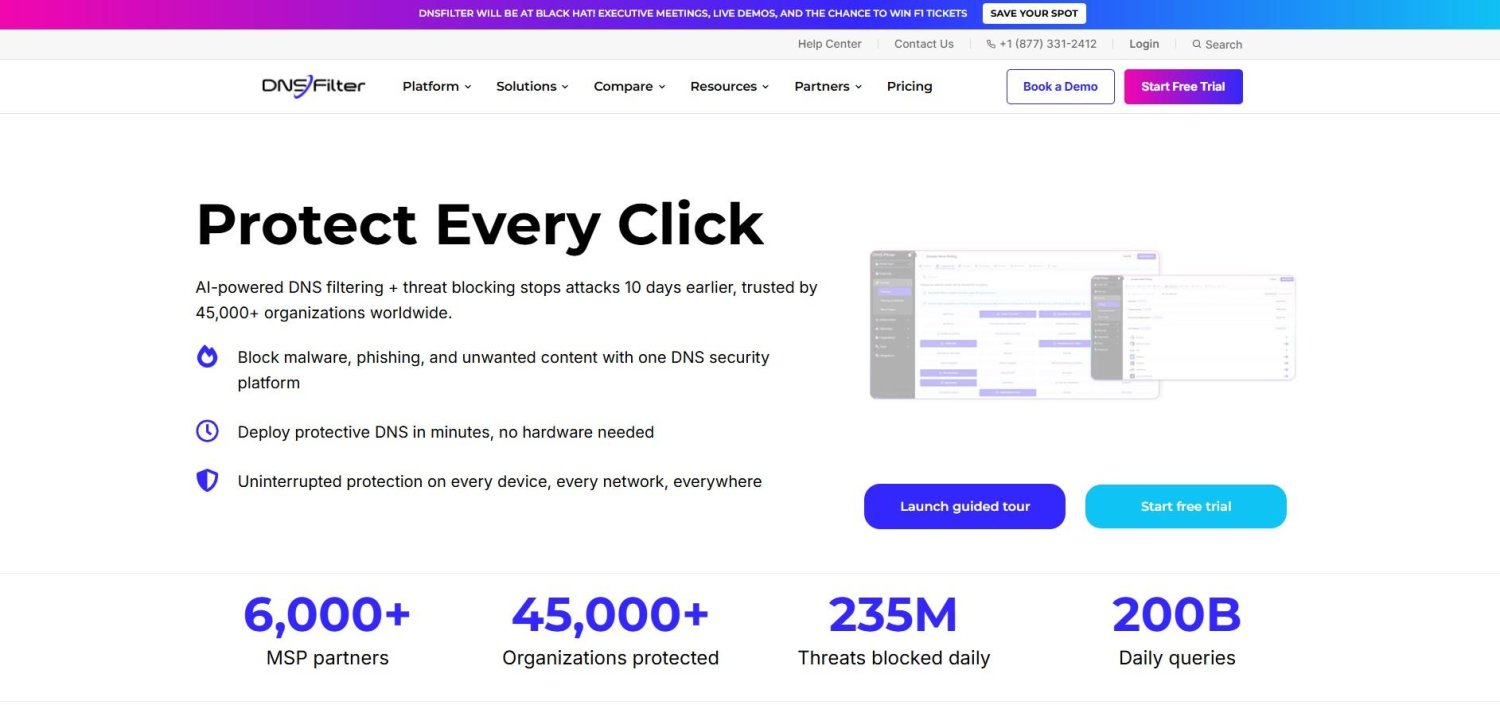
DNSFilter is an AI-powered protective DNS service that blocks malware, phishing, and unwanted content by checking every DNS request against security and content policies before a connection is made. It deploys in minutes with no additional hardware required, works across on- and off-network devices, and helps to detect newly registered malicious domains, aiming to give teams a fast layer of protection at the DNS level.
DNSFilter’s Key Features:
- Malicious Domain Protection
- DNS-layer filtering
- Remote protection
- Cybersight
- Insights and Reporting
- Universal Allow/Block lists
Pricing: DNSFilter’s paid plans start at $1.15/ license, billed monthly. It also offers separate pricing plans for MSPs, Educational institutions, and Public Wi-Fi providers. A free trial is also available to test DNSFilter’s features.
Best for: Teams wanting timely protection against new and emerging threats.
4. Cloudflare Gateway
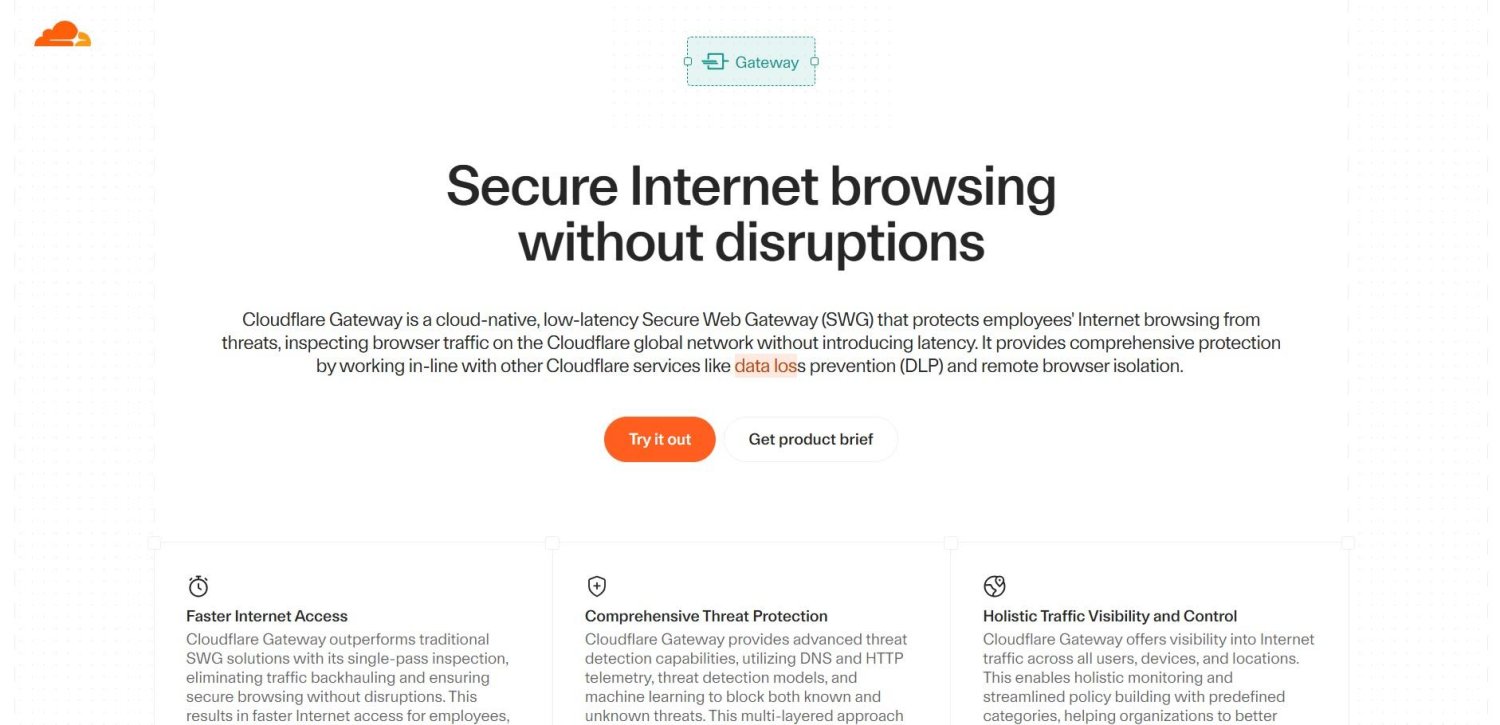
Cloudflare Gateway is a cloud-native Secure Web Gateway (SWG) that protects employees’ Internet browsing from threats by inspecting browser traffic on Cloudflare’s global network.
While it is not a dedicated DNS filtering tool, it uses DNS-layer filtering as one part of a broader inspection stack, working alongside other Cloudflare Zero Trust services like data loss prevention and remote browser isolation to give IT teams a single point of visibility and control over an organization’s internet traffic.
Cloudflare Gateway’s Key Features:
- Comprehensive threat protection
- Data loss prevention
- Traffic visibility and control
- Access control
- Clientless authentication for third-party users
Pricing: Cloudflare Gateway’s paid plans start at $7/user/month, billed monthly.
Best for: Comprehensive DNS filtering solutions as part of a broader Zero Trust security setup.
Wrapping Up
In fact, the best enterprise DNS filtering tool depends on your organization’s size, security needs, and IT infrastructure.
Whether you’re looking for advanced threat protection, centralized management, or seamless integration with your existing tools, the right solution can strengthen your defenses while simplifying network management.
If you need broad Zero Trust coverage and already run Cloudflare, Gateway is the natural fit. If threat feed speed is the priority, DNSFilter is built around it. And if you need the independently verified malware protection, granular policy control, multi-OS compatibility, and log retention long enough for an audit, Control D is the straightforward place to start.