

 DOI : 10.17577/
It is no secret that creating 3D assets has been one of the most time-consuming parts of game development. But today, AI 3D model generators are changing that by giving developers and creators the ability to generate game-ready models from simple text prompts or reference images in just minutes.
These tools can truly speed up prototyping, reduce production costs, and be a great help for smaller teams to create more content without needing advanced 3D modeling skills.
The best AI 3D generators also go beyond simple model creation by offering things like texturing, animation, rigging, and direct integrations with popular game engines like Unity and Unreal Engine.
So, in this guide, we’ll compare three of the best AI 3D model generators for game developers in 2026: Meshy, Tripo AI, and Rodin.
Quick Comparison: Best AI 3D Model Generators
| Tool | Best For | Key Strength | Export Formats |
| Meshy | Best overall for game development | Complete game asset pipeline | FBX, OBJ, GLB, BLEND, USDZ, STL, 3MF |
| Tripo AI | Fast text-to-3D generation | Speed and ease of use | Multiple standard 3D formats |
| Rodin | High-quality character and asset generation | Realistic 3D generation | Standard game-ready formats |
1. Meshy
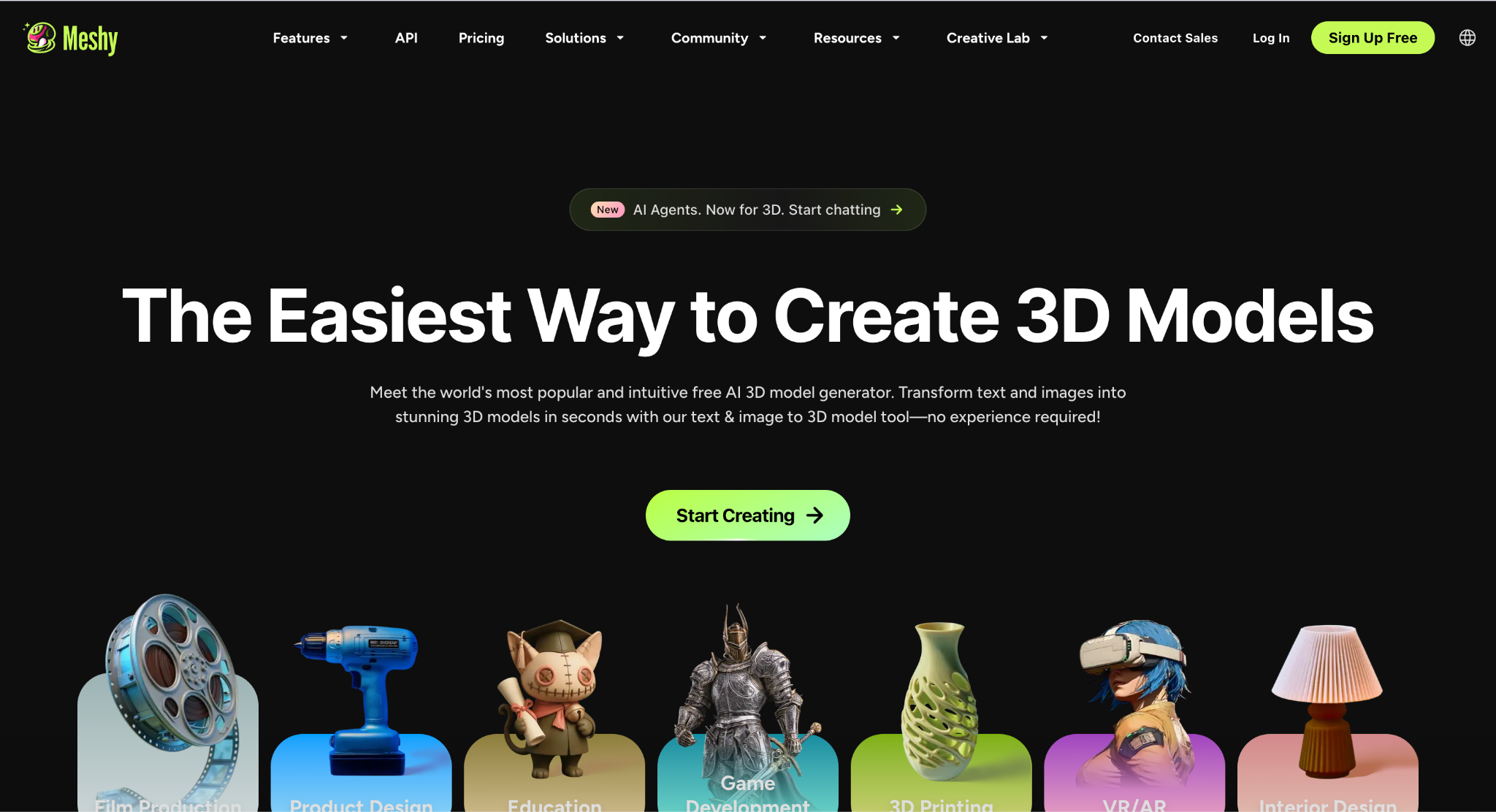
Meshy is one of the most complete AI 3D generators available for game developers. Instead of only generating 3D models, it supports much of the game asset workflow, from generation and texturing to rigging, animation, and export.
With Meshy, users can easily generate image to 3D models from either a text prompt or a reference image. Fully textured models can typically be generated in under two minutes, making it easy to prototype environments, props, vehicles, and characters quickly.
The time savings can be significant in real production workflows. For example, game studio Stradion Studios used Meshy to reduce its concept-to-in-game pipeline for a tank combat title from around 4 hours to just 4 minutes. This really highlights how AI 3D generation can speed up development without disrupting any existing pipelines.
Besides these, one of Meshy’s biggest strengths is its game engine support. Assets can be exported directly into Unity, Unreal Engine, Godot, Roblox Studio, Blender, Maya, and several other tools through native plugins.
The platform also includes one-click AI texturing with full PBR maps, including diffuse, normal, metallic, roughness, and ambient occlusion textures. For character creation, Meshy offers built-in auto-rigging for humanoid and quadruped models, along with animation presets. Free users have access to more than 20 animations, while paid plans unlock over 600 preset motions.
Another key advantage of Meshy is export flexibility. It supports FBX, OBJ, GLB, BLEND, USDZ, STL, and 3MF formats, making it compatible with most modern game development workflows.
Pros
- Advanced text-to-3D or image-to-3D generation
- AI PBR texturing included
- Built-in auto-rigging and animation
- Native plugins for Unity, Unreal Engine, Blender, Roblox Studio, Godot, Maya, and more
- Supports FBX, OBJ, GLB, BLEND, USDZ, STL, and 3MF exports
- Free monthly credits available for experimentation
Cons
- Complex models may still require manual refinement
Best for: Game developers who want an all-in-one AI workflow for creating game-ready assets.
2. Tripo AI
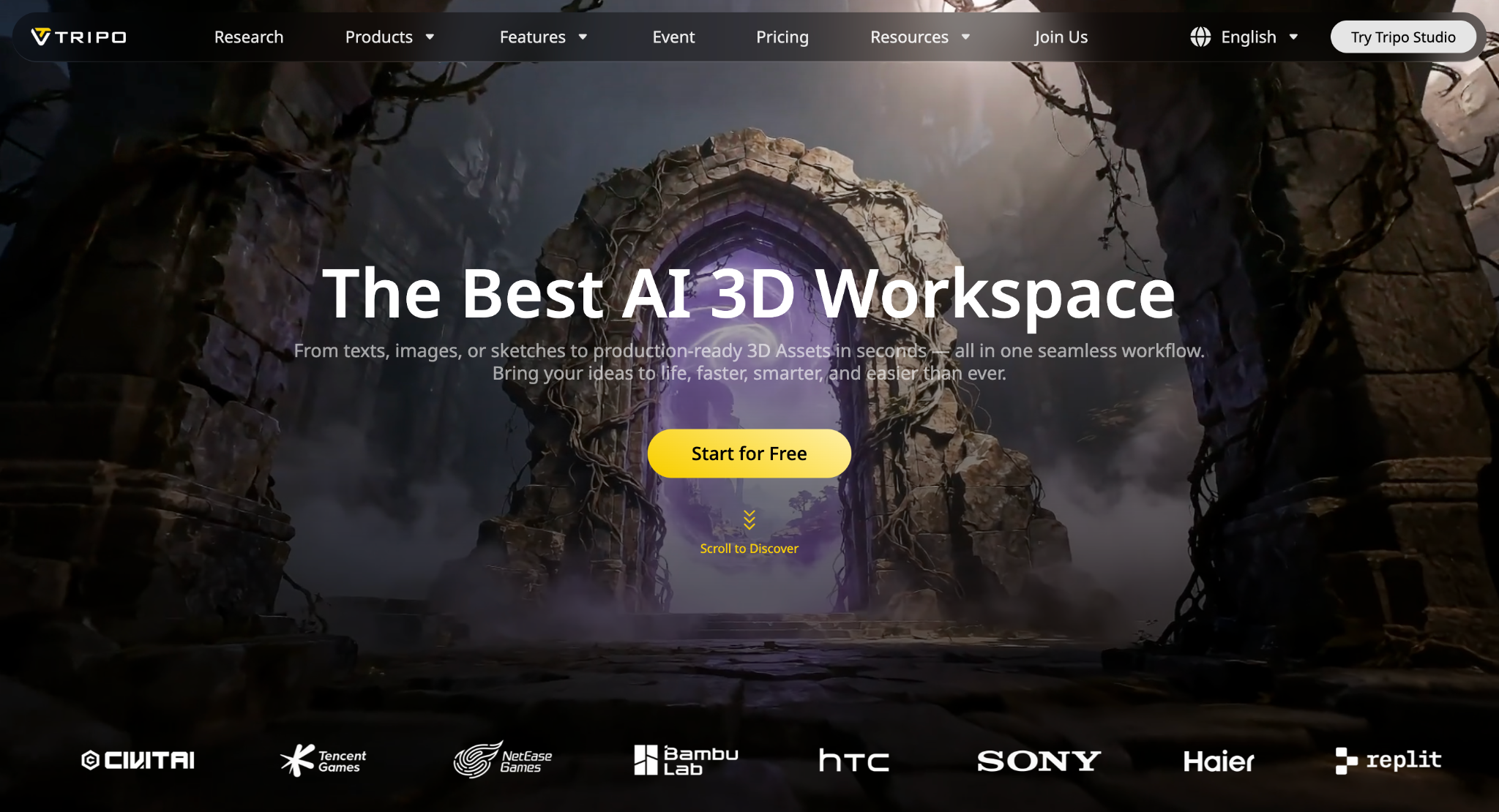
Tripo AI focuses on making 3D generation as fast and accessible as possible. Users can generate 3D models from text prompts or images with very little setup, making it popular for rapid prototyping and concept creation.
One of Tripo AI’s strengths is its generation speed. It produces usable 3D models in a short amount of time, which allows developers to quickly test ideas before investing too much time in manual modeling.
The platform supports exporting models into common 3D formats that can be imported into popular modeling software and game engines. It also continues to improve model quality through frequent AI updates.
While Tripo AI is excellent for fast concept generation, it offers fewer built-in game production tools than Meshy, particularly around rigging, animation, and complete asset workflows.
Pros
- Very fast text-to-3D generation
- Easy to use
- Supports text and image inputs
- Suitable for rapid prototyping
Cons
- Fewer built-in production tools than Meshy
- Some generated models may need additional cleanup before production
Best for: Developers and creators who want to generate 3D concepts as quickly as possible.
3. Rodin
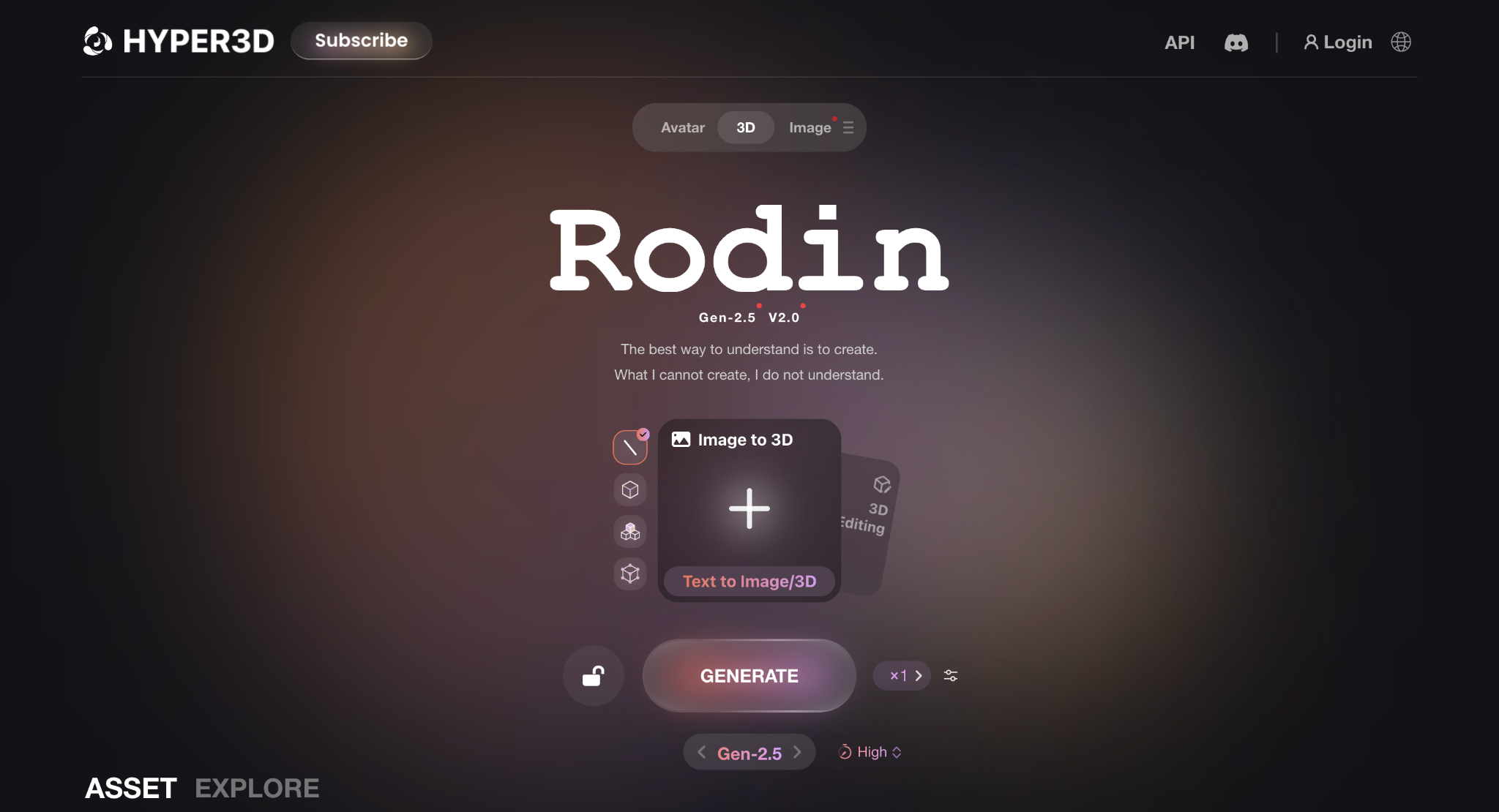
Rodin is an AI-powered 3D generation platform developed by Deemos that focuses on producing high-quality 3D assets from images and text prompts.
The platform is particularly known for generating detailed characters, objects, and stylized assets suitable for games, XR experiences, and digital content creation.
Rodin aims to reduce the time needed to build production-ready assets while giving creators more control over the final output. It supports standard export formats that work with common 3D software and game engines.
Pros
- High-quality AI-generated models
- Strong character generation capabilities
- Supports text and image generation
- Suitable for games and XR projects
Cons
- Smaller production toolset than Meshy
- Some assets may still require manual optimization
Best for: Artists and creators looking for high-quality AI-generated characters and assets.
How to Choose the Right AI 3D Model Generator
- Want the most complete solution for real game development?
If you’re building actual games (not just concepts), you’ll want a tool that goes beyond basic model generation. Meshy stands out here because it covers the full workflow, and this makes it a much more practical choice for production-ready assets, not just early-stage ideas.
- Focused on rapid prototyping?
If your goal is to generate concepts quickly and iterate on ideas, Tripo AI is a good option thanks to its fast generation speed. It’s useful for testing ideas, but you may still need additional tools to prepare assets for production.
- Need high-quality characters?
Rodin is a good choice if you’re mainly creating detailed characters or visually polished assets for games or immersive experiences. However, you may still need to handle rigging, animation, or integration separately.
- Think about your full workflow, not just generation
Many AI tools can generate 3D models, but fewer can take you all the way to a usable game asset. If you want to save time across your entire process and not just the first step, Meshy offers the most complete solution among these options.
- Check export formats and integrations
Before choosing a platform, make sure it exports the formats your workflow requires and supports the game engine or software you use most often. Meshy’s wide format support and native integrations make it especially flexible for different pipelines.
Conclusion
AI 3D model generators have become valuable tools for modern game development. They help developers create assets faster, experiment with new ideas, and reduce the amount of manual modeling needed during game production.
Meshy stands out as the strongest overall choice in 2026 thanks to its complete game development workflow. As we mentioned in this guide, beyond generating 3D models, it also includes AI texturing, auto-rigging, animation, native engine integrations, and support for a wide range of export formats, making it one of the most complete AI 3D platforms currently available.
Tripo AI is an excellent option for fast concept generation, while Rodin is well suited for creators looking for detailed AI-generated models and characters.
The best choice ultimately depends on your specific workflow, but for developers looking for an end-to-end AI solution, Meshy offers the most complete feature set.
FAQs
1. Can AI-generated 3D models be used in game development?
Yes. Many AI-generated models can be used in games, especially for prototyping and production.Can AI 3D generators create animated characters?
Some can. For example, Meshy offers built-in auto-rigging and animation features, while other platforms focus mainly on generating static 3D models.
2. What file formats do AI 3D model generators support?
Most AI 3D generators support popular formats like FBX, OBJ, GLB, and STL. Some also offer additional formats such as BLEND and USDZ, making it easy to use models in different game engines and 3D software.
3. Can beginners use AI 3D model generators?
Absolutely. Most AI 3D tools are designed to be beginner-friendly, allowing users to create 3D assets with simple text prompts or images instead of advanced modeling skills.